Ecommerce order processing workflow for a small team

A small team processes orders fastest when every order goes through the same six steps, each step has one person responsible, and the people affected hear about each move without having to ask. The rest of this article is a workflow you can set up in an afternoon, with a daily rhythm and a list of what to automate first.
What path does an order take from received to delivered?
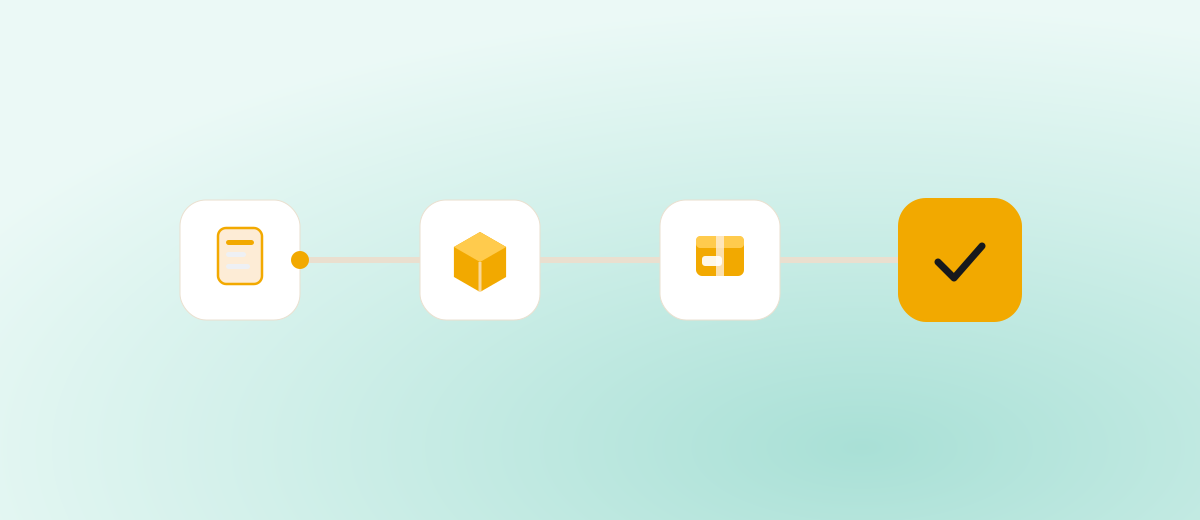
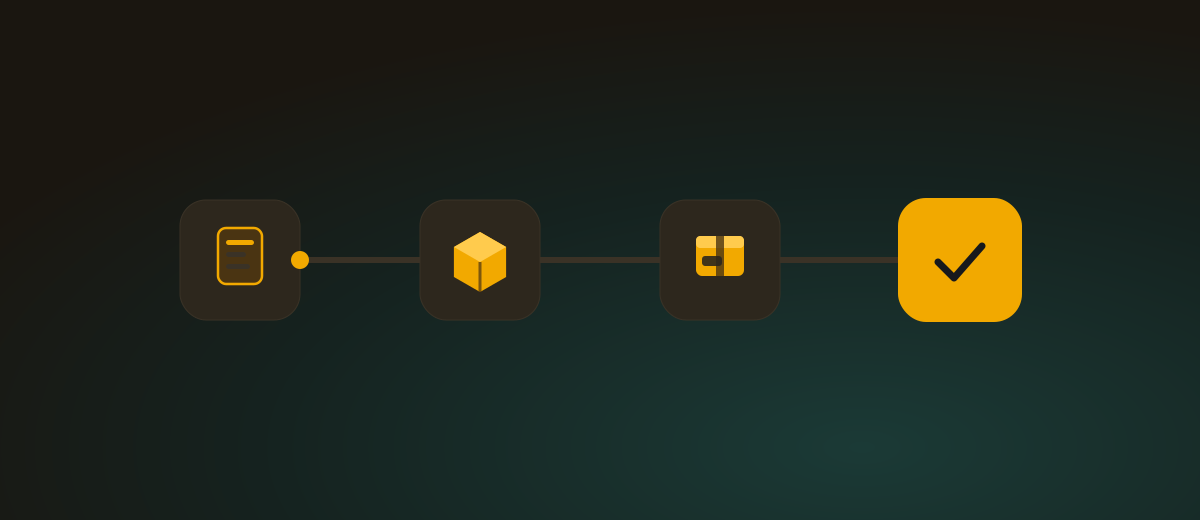
Six statuses are enough for most shops. Next to each one is who needs to know about it.
- Received. The order has appeared in your admin. Whoever plans the morning’s packing should know, and for card payments so should the owner who watches revenue.
- Paid. With online payment the confirmation arrives from the payment gateway. For cash on delivery and bank transfer the order is released immediately or once the money lands. Packing starts from this point, so the warehouse needs to know.
- Picked. The goods are off the shelves and sitting together. The person packing should know, if that is a different person.
- Packed. The parcel is in its box, labelled and waiting for the courier. The customer sees nothing yet.
- Shipped. The courier has collected it and the customer gets a tracking number. It is the first message they wait for, so it should go out automatically.
- Delivered. The parcel is with the customer. The return window starts running and a review request can follow.
Your shop system may have fewer statuses than these six. That is fine, as long as each one has a rule for who sets it and who hears about it.
Who should be told at each step?
A simple rule is enough. The warehouse hears about every paid order and every cancellation. The customer gets a message when the order is received, when it ships and when something goes wrong. The bookkeeper sees cancellations and returns. The owner reads the daily summary. The team receives only what needs action, so the messages are still read after a week.
For choosing where those messages go, see Which channel for which event. In short: events that need action belong in a separate chat channel, summaries in e-mail.
How do you batch picking?
Picking one order at a time is the slowest option: with thirty orders a day the same person keeps walking to the same shelves.
A workable routine:
- Create one pick batch at the same time every day. After the cut-off, take all paid orders and print a single list sorted by warehouse location.
- Pick into totes with dividers, or into boxes marked with the order number. One compartment, one order.
- Keep packing as its own step at a table. The same person can pick and pack, just at different times.
- Do single-item orders and standard products in the first wave. Leave complicated ones, where something is missing or a substitute needs agreeing, for the end.
Batches pay off once two orders in a batch share a product. Below five orders a day you can skip them.
When should the order cut-off be?
The cut-off is the time before which an ordered and paid item ships the same day. Set it so you can pick, pack and hand over to the courier with some margin. If the courier comes at 3 pm, a 1 pm cut-off is realistic and 2:30 pm is not.
Put the cut-off on the site, in the cart and in the confirmation e-mail. A customer who knows that an order placed before 1 pm leaves today has no reason to call at four. Orders after the cut-off are not a problem; they simply go into tomorrow’s first batch.
Before holidays and sales the cut-off may move earlier; announce it in advance, as in Christmas delivery deadlines.
How do you handle cancellations and returns?
A cancellation before shipping is the cheapest mistake you can make, provided you hear about it in time. A cancelled order that is already picked means wasted work, and sometimes a parcel that goes out anyway.
A few simple rules help:
- The warehouse sees every cancellation immediately. If the order is already in a batch or packed, it has to be pulled out and the goods put back.
- Record the reason with each cancellation (customer cancelled, out of stock, unpaid). After a month you will see what repeats.
- Let unpaid online-payment orders be cleaned up automatically, but remind the customer once before that happens. More in Unpaid orders.
- For returns, name one place where parcels arrive and one person who opens them, checks them and marks them in the admin. That way a refund is neither forgotten nor made twice.
What does a simple daily rhythm look like?
Four fixed points during the day are enough to keep anything from sitting around.
- Morning: look at unpaid and new overnight orders, deal with cancellations and agree who picks and who packs today.
- During the day: leave paid orders for the batch. Express shipments and in-person pickup are the exceptions.
- After the cut-off: picking, packing, labels, handover to the courier.
- Evening: a five-minute check that every packed order has the status shipped, then a read of the daily summary.
Example: one order from received to delivered
The following example is made up, for illustration only.
Tuesday 9:12. A customer orders two products and pays by card. The order gets the status Received and straight away Paid, because the payment went through. A message about a new order lands in the warehouse chat.
Tuesday 12:40. Before the 1 pm cut-off the order joins a pick batch with eight others. The warehouse picks it into tote 4 and marks it Picked in the admin.
Tuesday 1:20 pm. It is packed at the table, the label goes on and the status changes to Packed.
Tuesday 2:50 pm. The courier collects the parcel. The status moves to Shipped and the customer automatically gets an e-mail with the tracking number.
Thursday 10:05. The parcel is delivered and the status changes to Delivered.
Nobody informed anybody by hand along the way. Had the customer cancelled it on Tuesday at 11:00, the warehouse would have heard about the cancellation at once and the parcel would never have entered the batch.
What should you automate first?
In order of benefit for a small team:
- An alert about a new order for the warehouse. Without it, orders get discovered by chance whenever someone opens the admin.
- An alert about a cancellation. It prevents pointless packing and shipping.
- An alert about an unpaid order after a chosen time. Pick a time that fits how your customers pay.
- An e-mail to the customer at shipping with the tracking number.
- A daily summary with the number of orders and revenue, so you know whether the day is normal.
Which status changes deserve an alert is covered in Order status changes worth an alert. For getting the news about a new order straight away, see How to find out about a new order instantly.
Frequently asked questions
How many order statuses does a small shop need? Usually six: received, paid, picked, packed, shipped, delivered. Add another only when someone actually makes a decision based on the difference.
Is batch picking worth it with only a few orders a day? No. With five orders or fewer a day it is quicker to handle each one on its own. Batches start to make sense when the same products repeat within one pick.
What is the right cut-off time? One that leaves a margin before the courier arrives, at least enough for picking, packing and labels. Write it in the cart and in the order confirmation.
What if a cancellation arrives after the order is packed? Take the parcel out of the pile going to the courier, return the goods to stock and update the status in the admin right away. If the courier already has it, treat it as a return.
The routine works on a spreadsheet or on paper, but alerts are the part that gets forgotten first. The Notify add-on sends messages about new orders, status changes, cancellations, unpaid orders after a time you choose, and a daily summary to Slack, Discord, Telegram, Teams, Google Chat, e-mail, Google Sheets or your own webhook, so the warehouse knows what to pack without opening the admin.