

Add-ons / Order notifications
 Order notifications for
 Available
A new order in Slack, Telegram or Teams within seconds
The Order notifications add-on sends the order message to a tool you already use. The warehouse sees what to pack, the owner sees revenue, the accountant sees cancellations. Nobody has to sit in the administration.


The add-on admin
What the add-on looks like inside
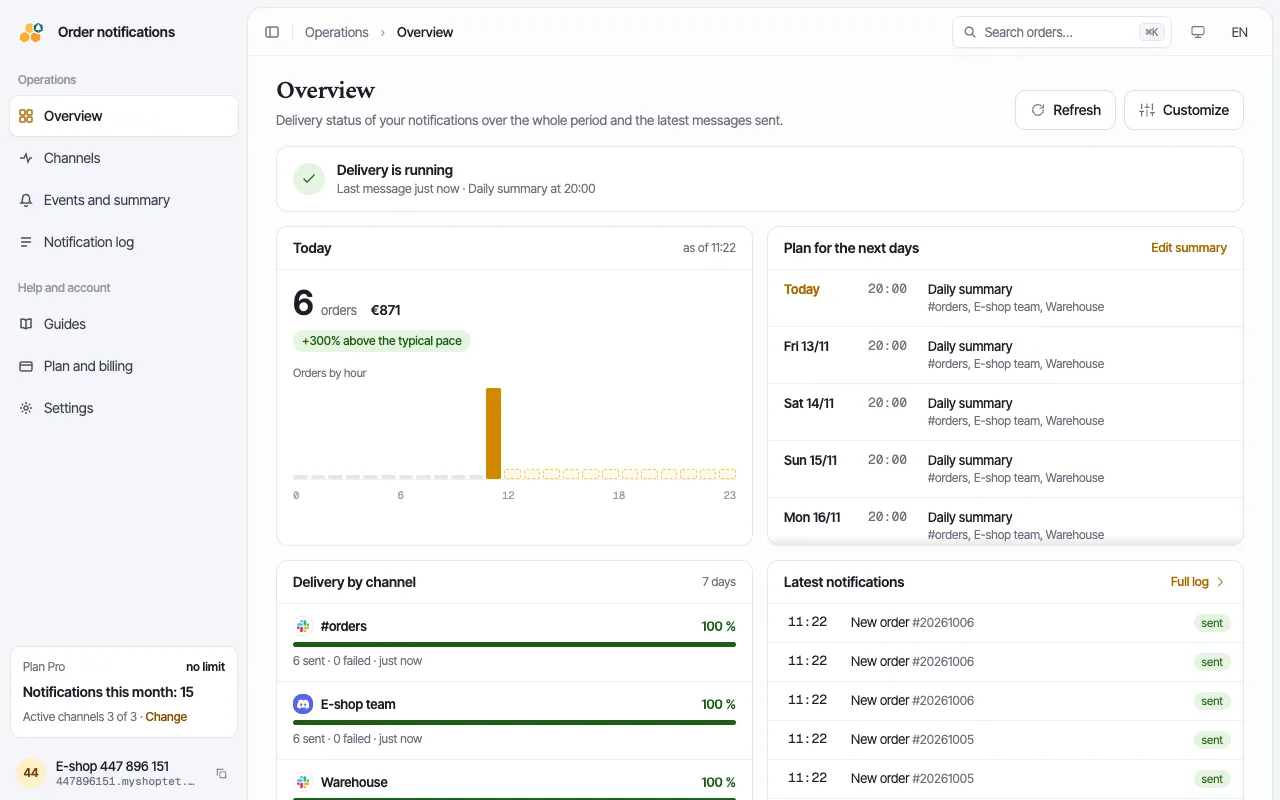
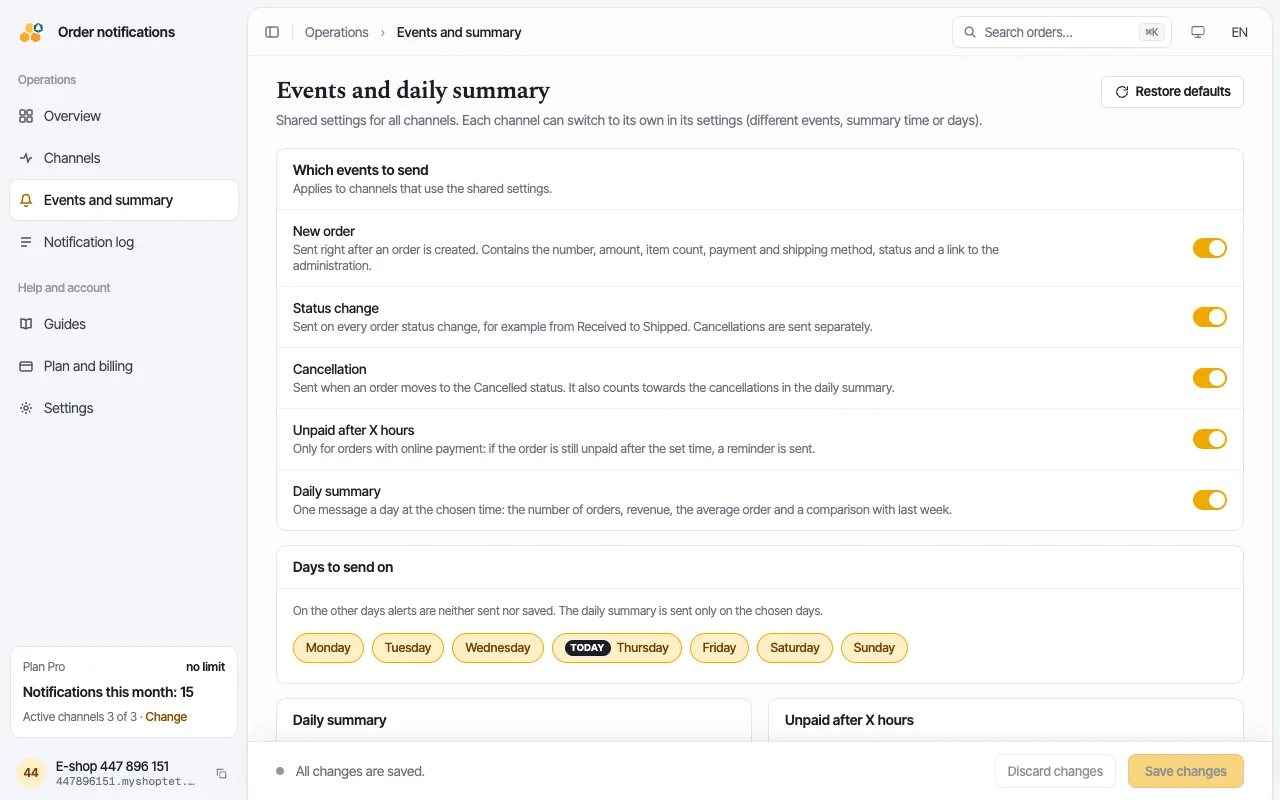
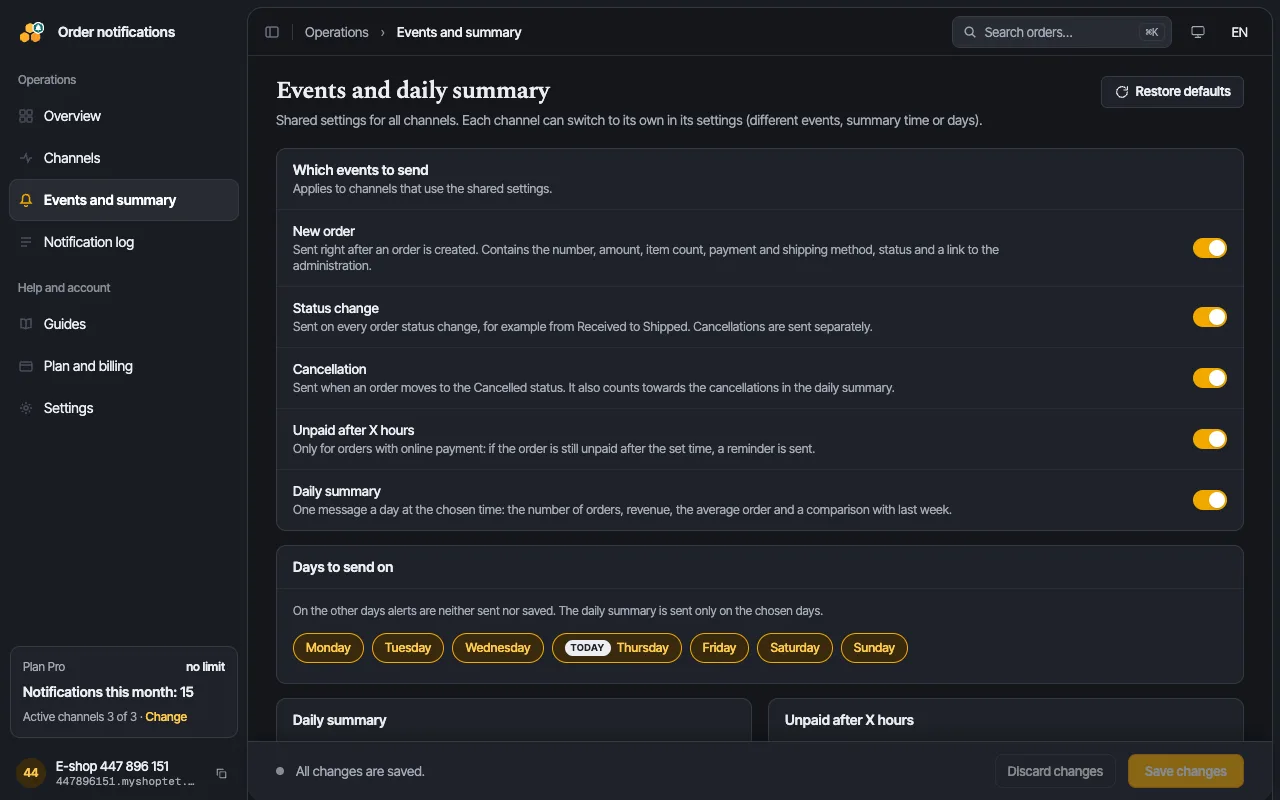
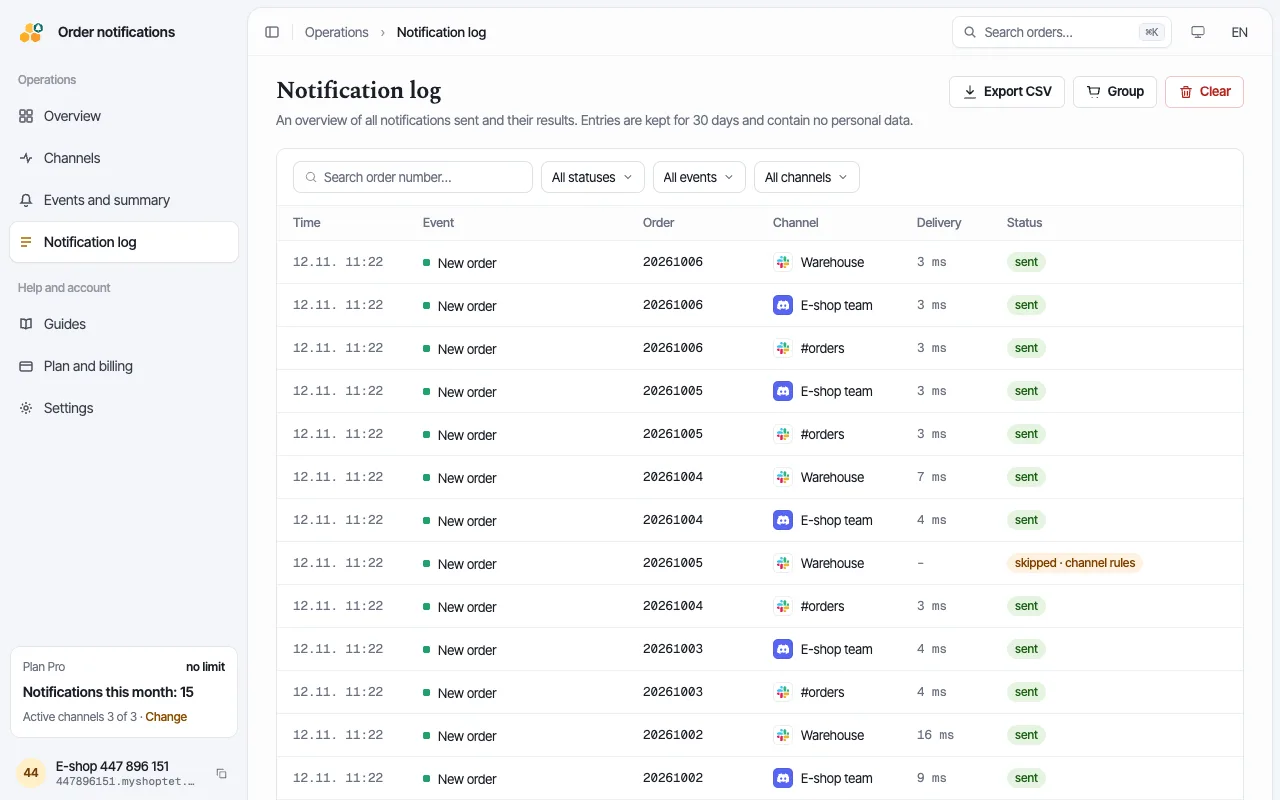
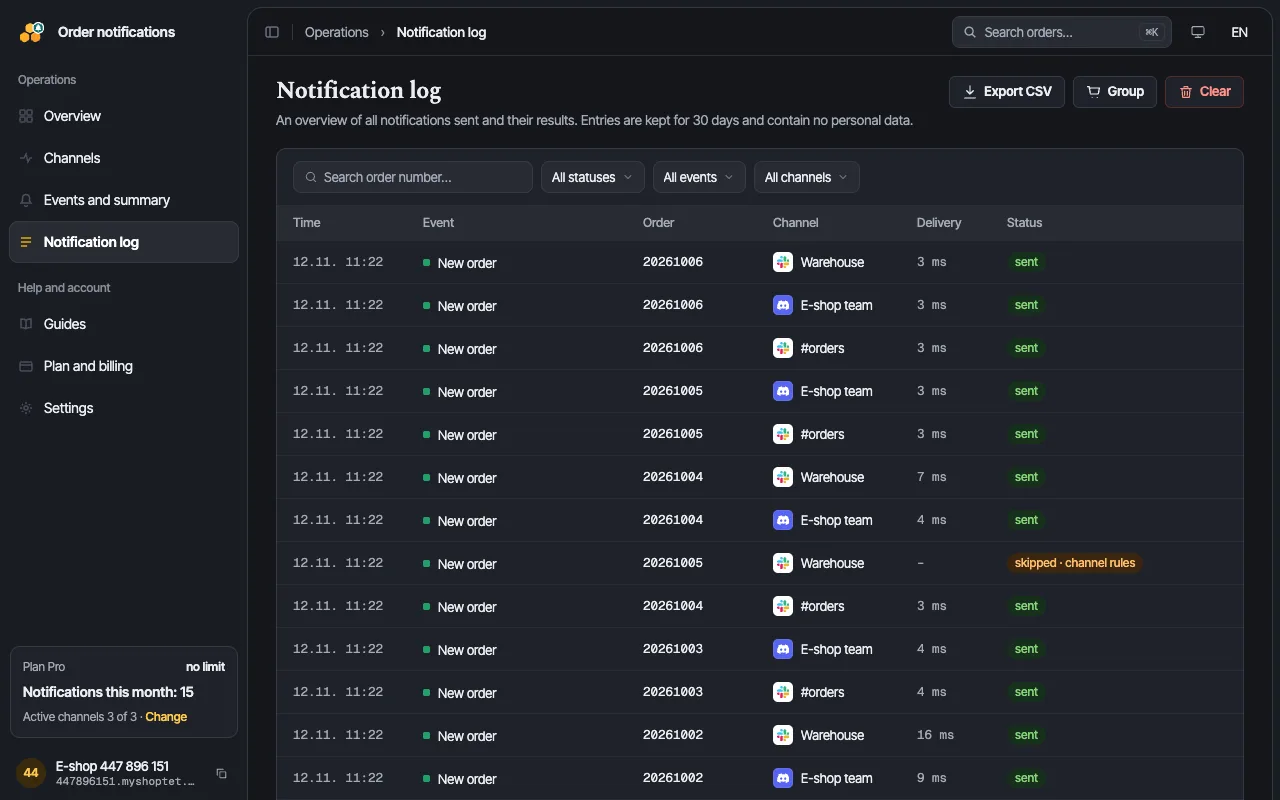
You open the add-on straight from your shop admin. It has four parts and you do not need to program anything in any of them.
- 01
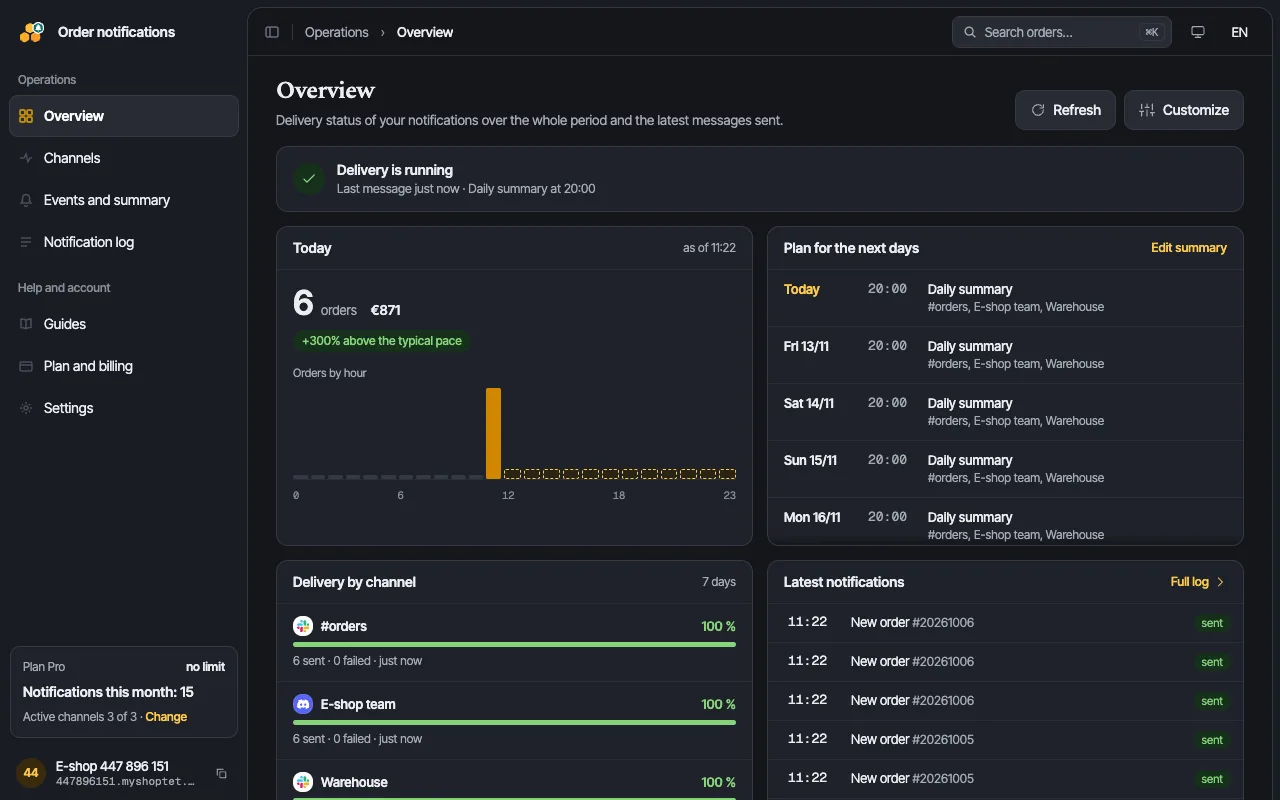
How many notifications went out today and whether any channel reports an error.
- 02
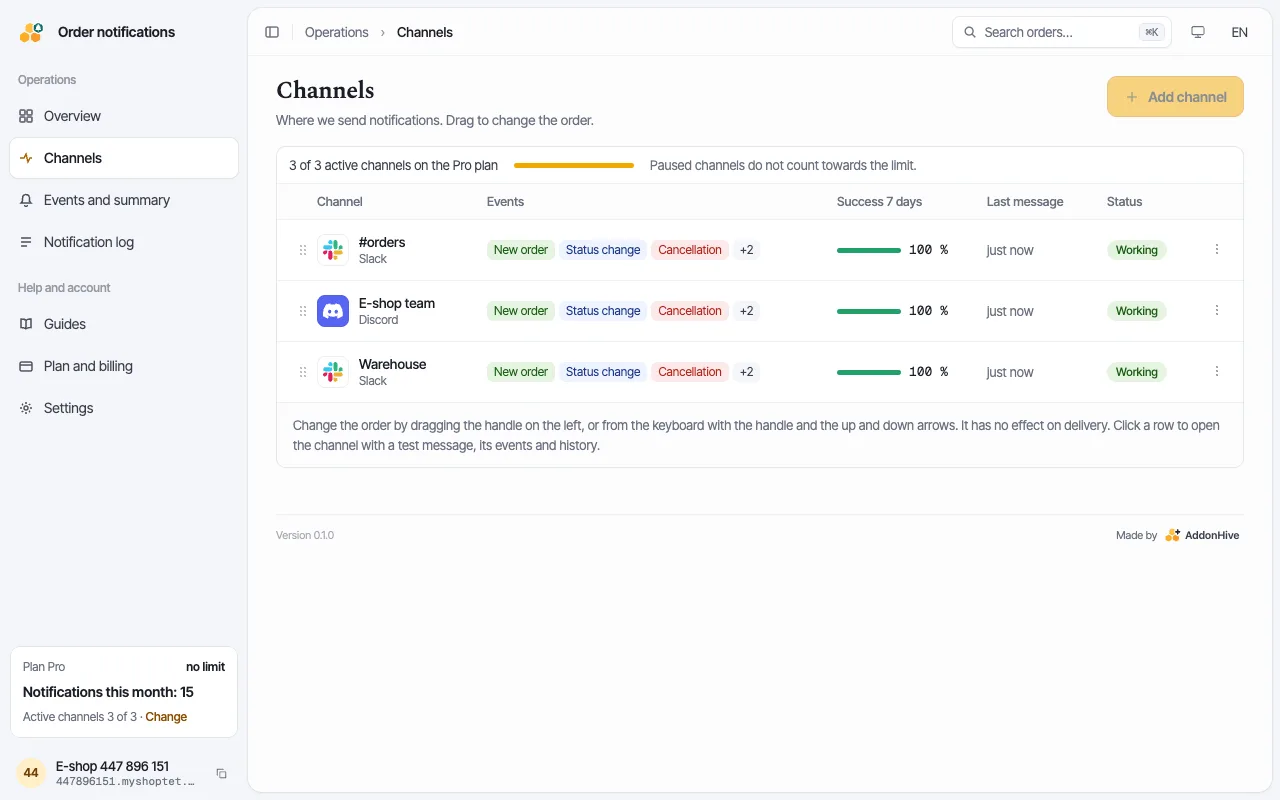
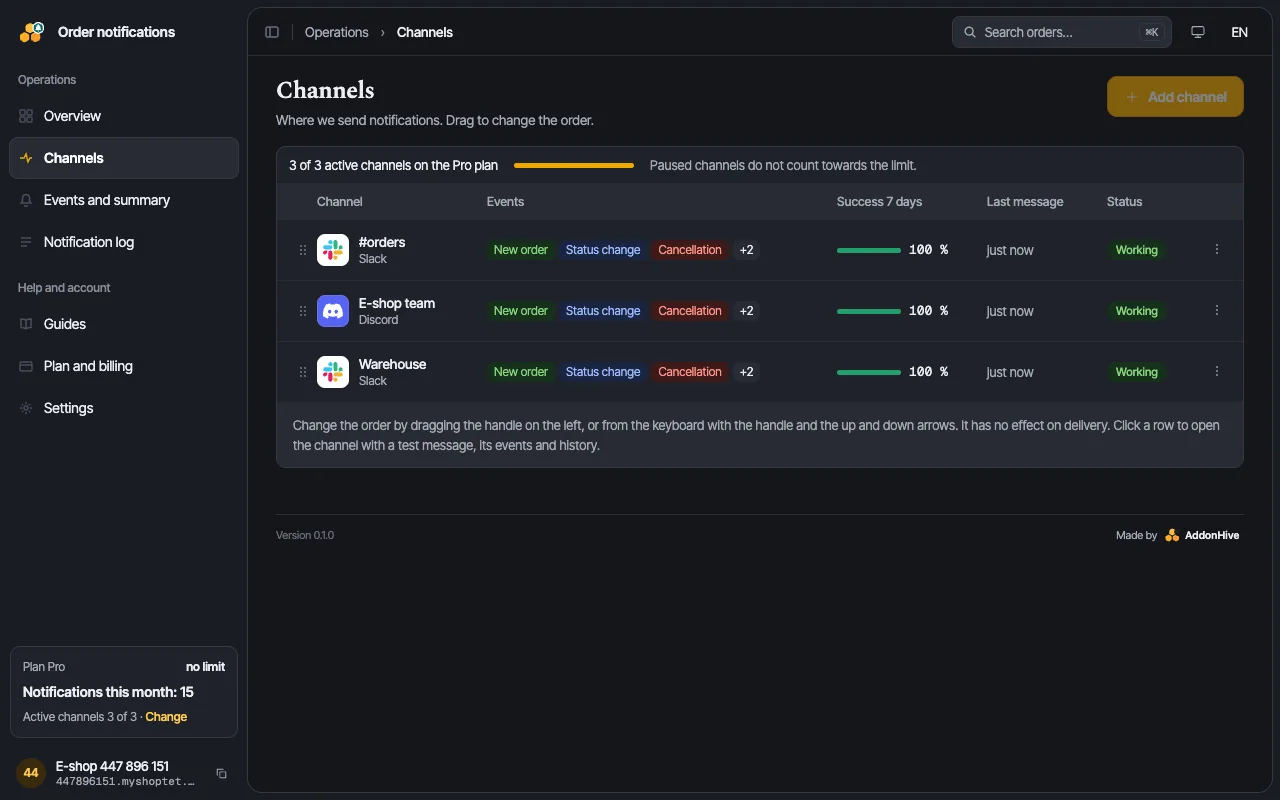
Slack, Telegram, Teams, e-mail and more. For each channel you see whether it delivers the messages.
- 03
You choose what you want to know about and set the time of the daily revenue summary.
- 04
Every message sent, with its time and status, including the ones that did not get through.
What we send
For each channel you choose which events go to it. The warehouse does not need to see revenue, and accounting does not need to see every order.
- create
New order
Number, amount and currency, item count, payment, shipping, status and a link to the administration.
- update
Status change
From which status to which. Each transition only once, even if the platform sends the event multiple times.
- cancel
Cancellation
As soon as the order moves to a cancelled status. We subtract it from daily revenue.
- unpaid
Unpaid after X hours
Online payments only. You set the number of hours, default 3. If the customer pays in the meantime, no message is sent.
- summary
Daily summary
Order count, revenue, average order and a comparison with the same day last week. You choose the time.
Where we send
Every active channel has its own choice of events. A message typically arrives within 5 seconds of the event in the shop.


One order, three channels, each with its own choice of events.
What about the data
- The customer name never appears in messages unless you explicitly enable it for a specific channel.
- We store nothing from the order except the number, amount and the status needed to derive changes. The full notification content is deleted right after processing.
- The delivery log is kept for 30 days, without personal data. After uninstalling the add-on we delete everything within 30 days.
- Keys to your channels (webhooks, e-mail service API key) are encrypted in the database and are never shown back.
Set up in a minute
- 1Install the add-on in your shop administration (Add-ons → Order notifications).
- 2In the add-on settings add a channel: paste a webhook URL or pair Telegram with a code.
- 3Send a test message, pick the events, save. Done.


Alerts for what you would otherwise miss
The add-on also notices what you would otherwise miss. It speaks up when orders stop coming in, when a customer has not paid, or when there are more cancellations than usual.
Silence is the worst news
The Order notifications add-on spots that orders have stopped, compares it with the usual count for that time of day, and tells you. A broken payment gateway turns up hours before the evening check.
Unpaid orders
For online payments, the add-on lets you know when a customer still has not paid after the time you set. If they pay in the meantime, no message is sent.
No message overload
An ordinary day arrives one message at a time. At peak, orders merge into one. At night it stays quiet, and in the morning a summary of what piled up arrives.
Solid = one message · wide = merged · grey = quiet hours, nothing is sent
Daily revenue at 20:00
+12 % vs last SundayOrder count, revenue and a comparison with the same day last week. You choose when the summary arrives, and the weekly overview is in the add-on admin.
Common questions
Did not find your answer here? Write to us and we will reply within 24 hours on business days. Contact support →
Does the add-on see my customers’ data?
From an order we read the number, total, item count, payment, shipping and status. The customer name appears in a message only if you switch it on for that channel, and even then we do not store it. Address, e-mail, phone and line items are discarded after processing.
Do I have to change the shop template?
No. The add-on runs outside your shop and reacts to events the platform sends it. No script is injected into the template.
Can I use it on several shops?
Yes. Every shop has its own settings and its own channels; data is never shared between them.
What happens if I uninstall the addon?
Notifications stop immediately and all of your shop data is deleted within 30 days.
Will it slow my shop down?
No. We never poll for orders, so your API sees nothing beyond what the platform sends on its own.
Need help?
Write to us at [email protected]. Include your e-shop address and describe what happened. We reply within 24 hours on business days.
Write to us