

 Vacation mode for

Your shop on vacation with one switch
Vacation mode is an addon for shops on the Shoptet platform. With one switch it moves your delivery times and shows customers a vacation notice. When you are back, one click restores the original delivery times and availabilities. This guide walks you through installation, setup and day-to-day use.


What the addon changes in your shop
- Delivery times in the availability list. It either moves them by the number of days you set, or adds “ships after” and a date to the availability name.
- A notice on your shop pages that customers can close, and optionally a notice in the cart.
- Nothing else. The addon does not change prices, stock or orders, and it does not read customer data. On products it changes only the availability, and only with the “Product by product” fallback strategy.
Step by step
- 01
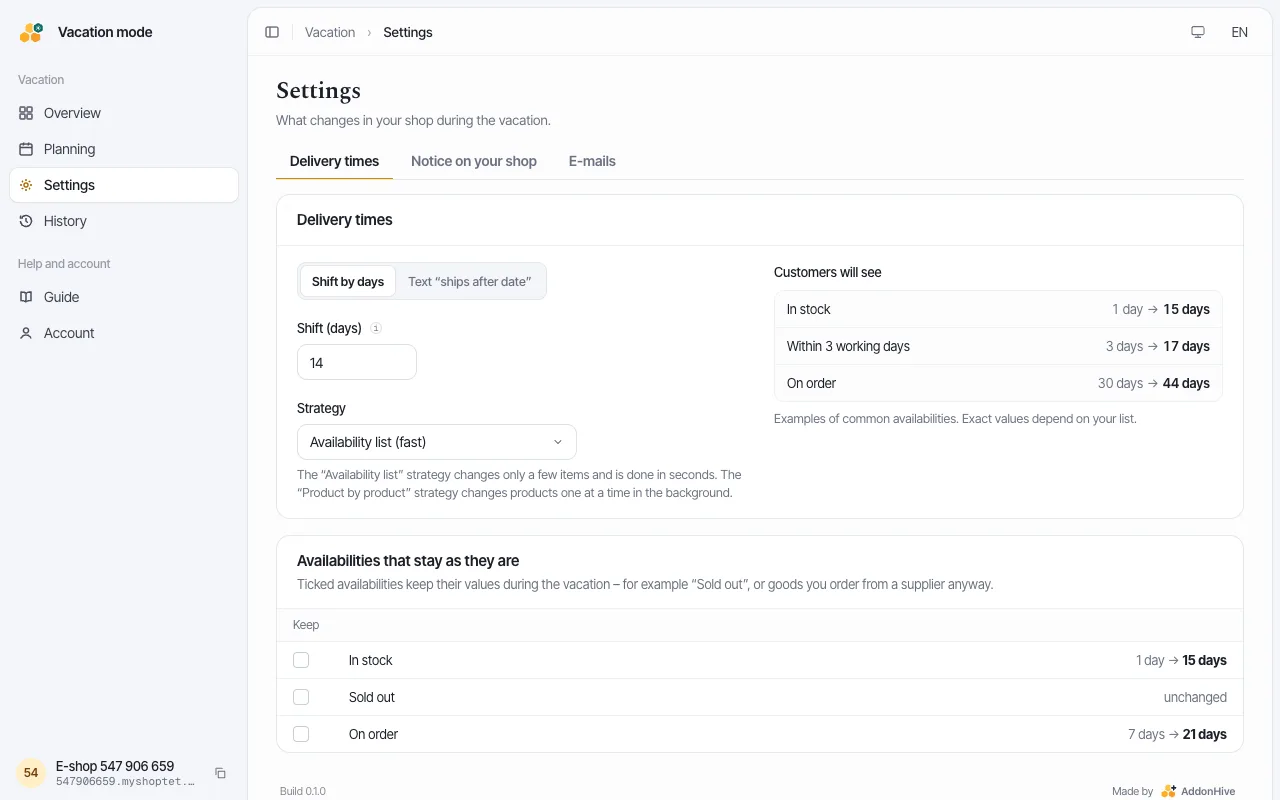
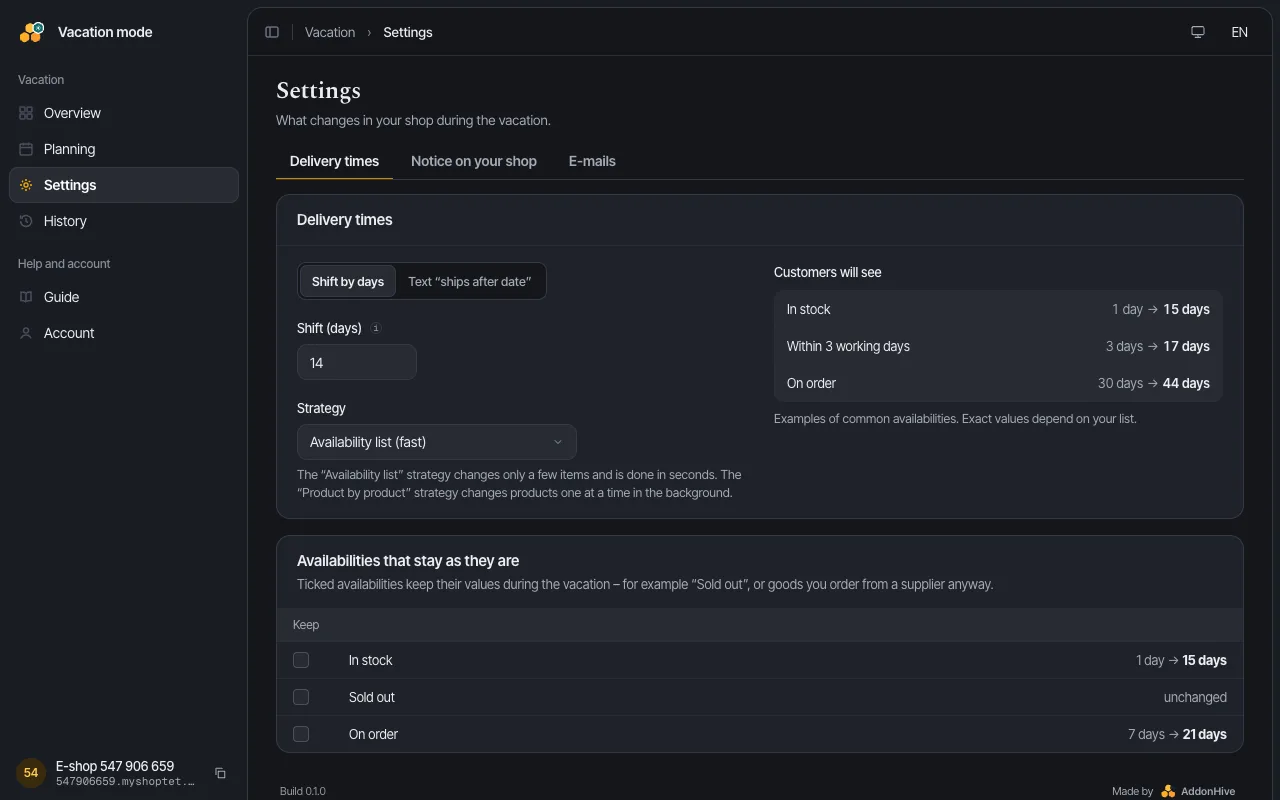
You choose how many days the addon pushes the delivery time back, or have it add the date you start shipping again to the availability text.
- 02
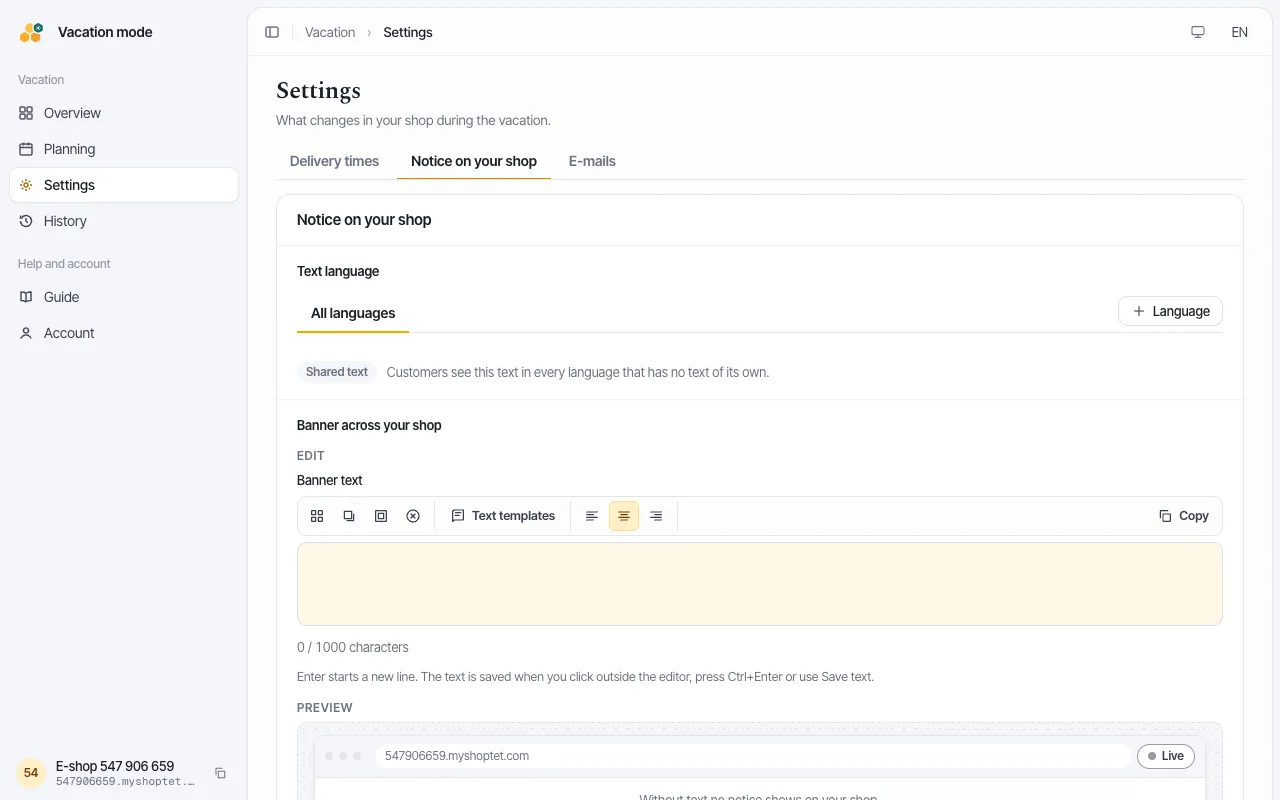
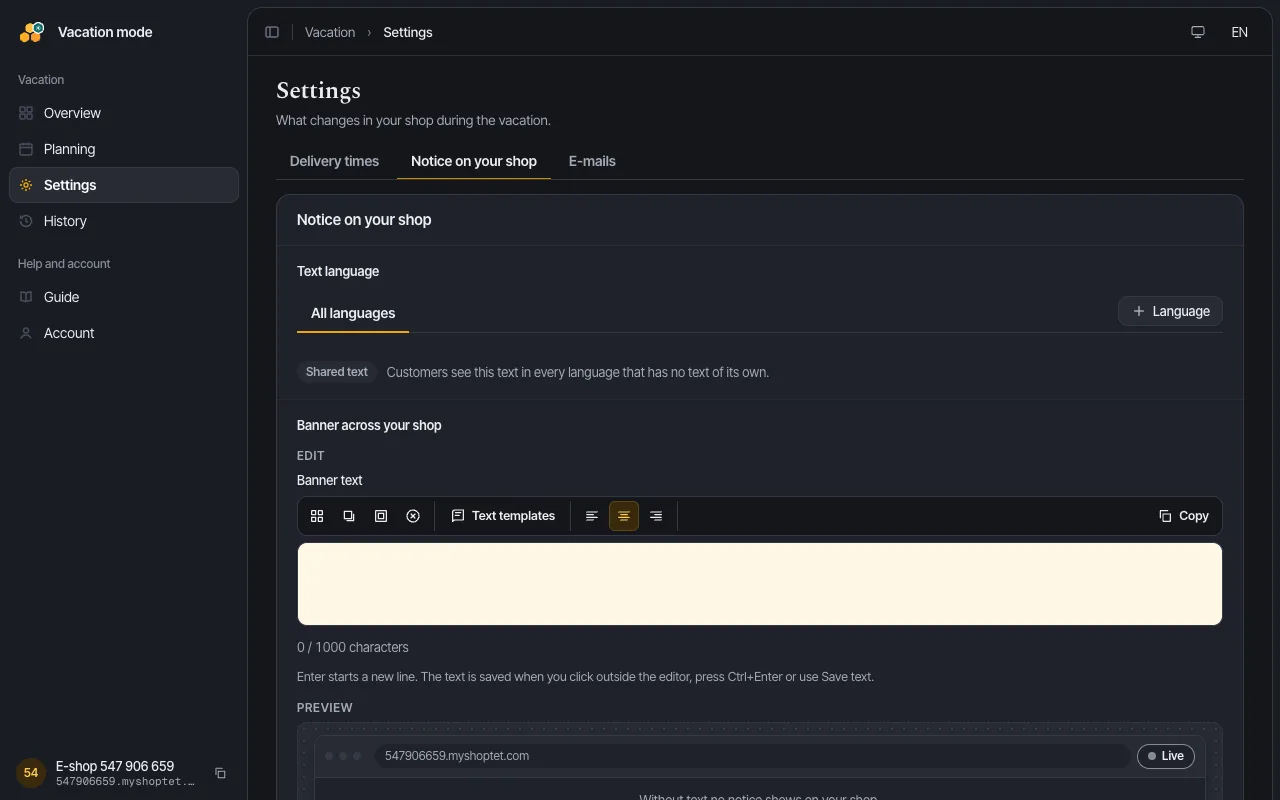
You write the banner text and, if you like, a warning in the cart. The placeholder fills in the real dates.
- 03
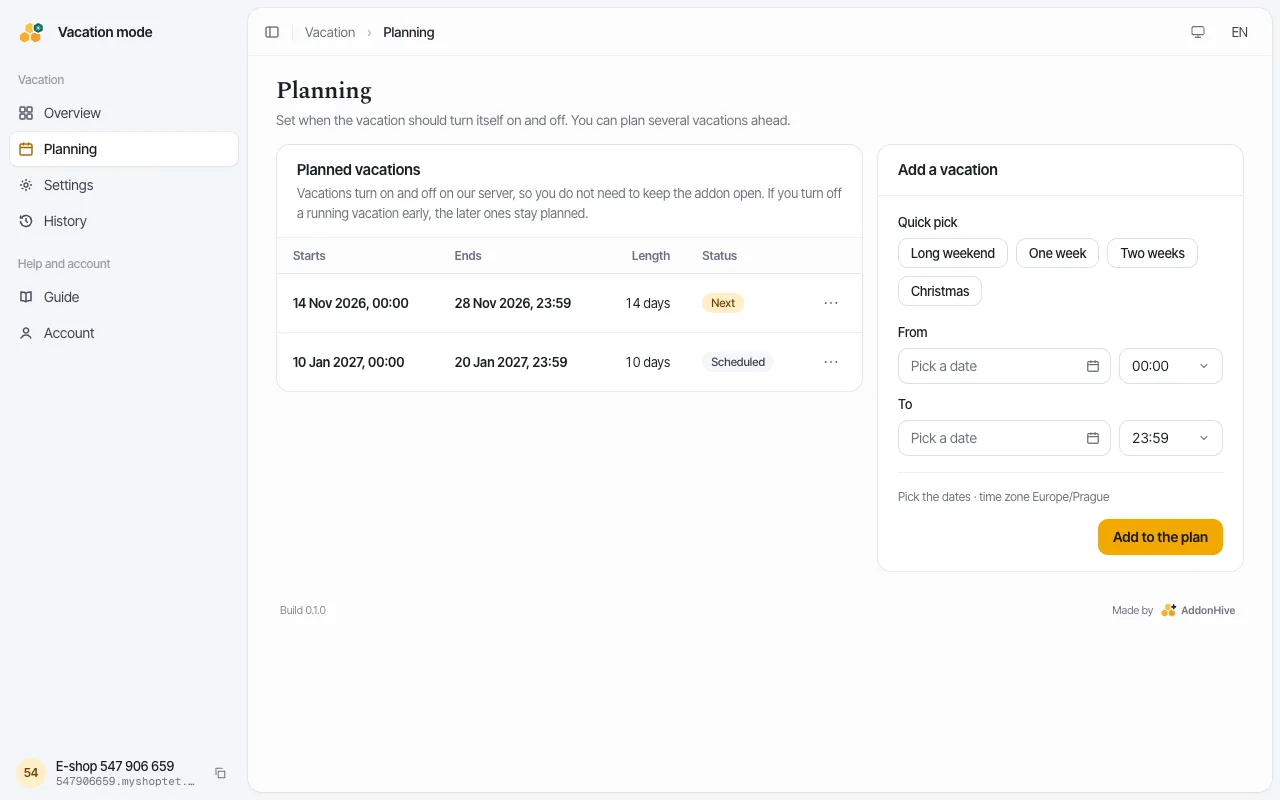
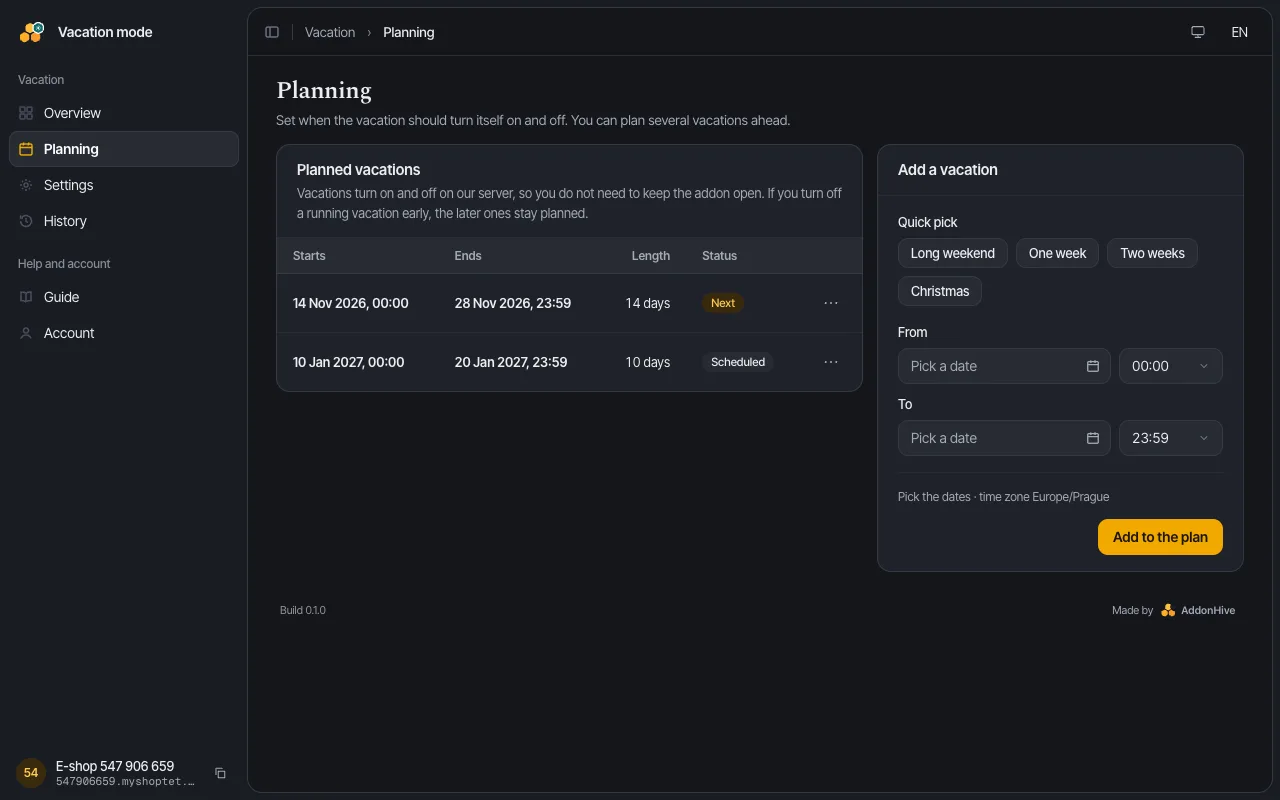
You enter "From" and "To" and the vacation switches itself on and off. The schedule runs on the server, so the addon does not need to stay open.
- 04
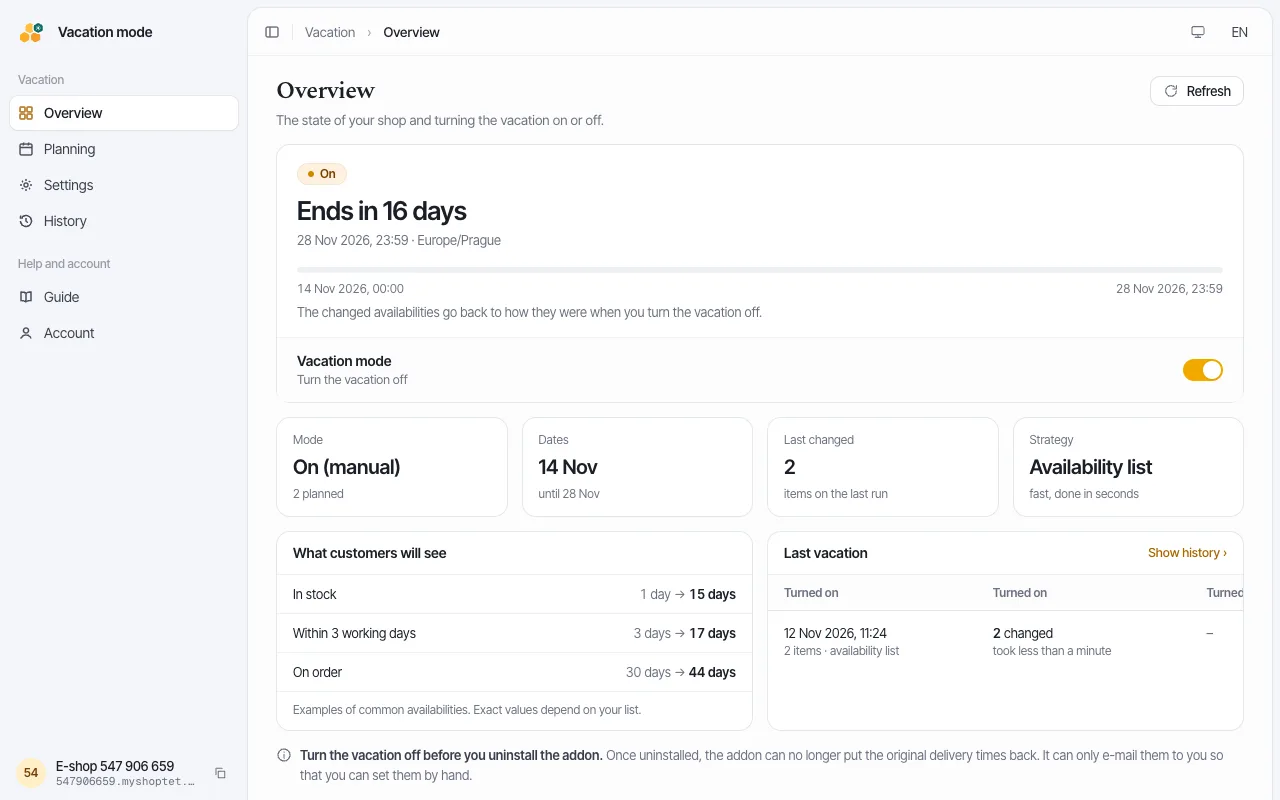
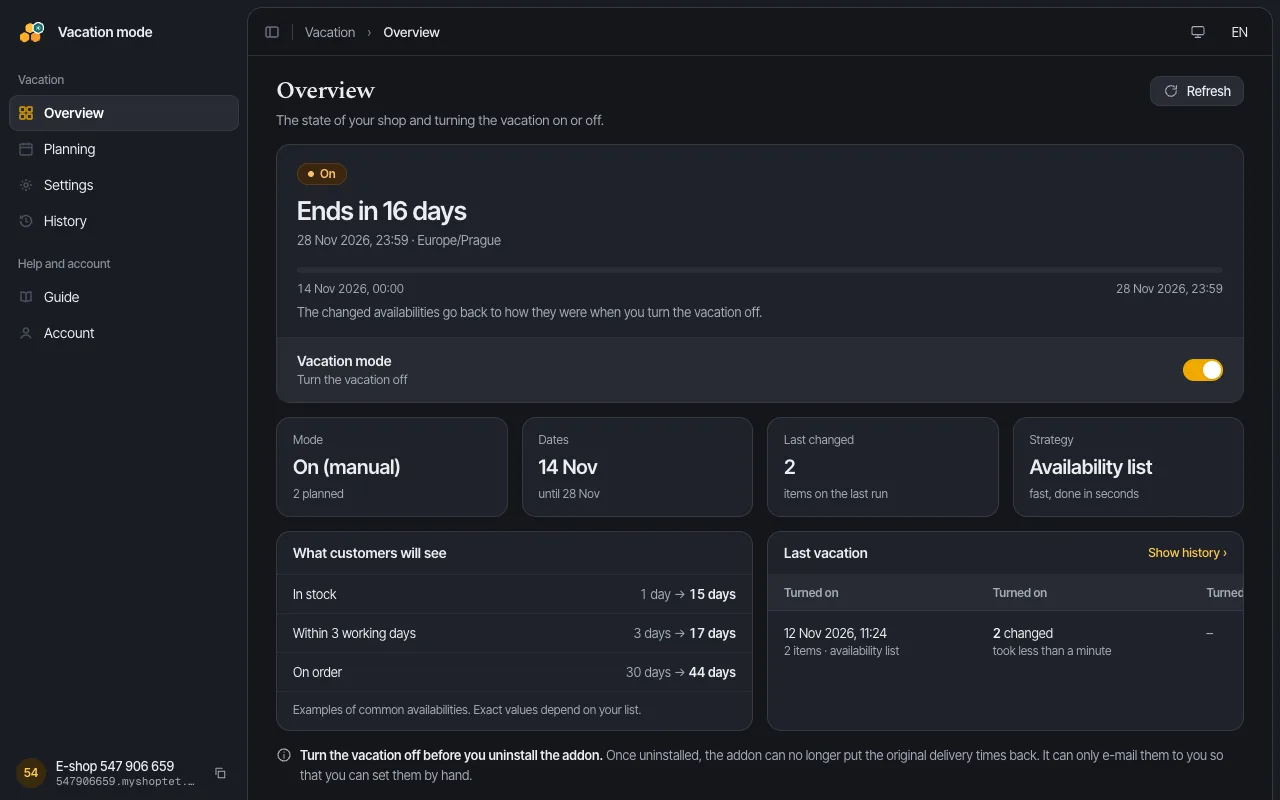
You switch the vacation on with one button. When you are back, you switch it off and the addon restores the original values.
What the addon cannot do
- Pause ordering. Shoptet has no API for it, so customers can still order during your vacation. Say clearly in the notice when you will ship orders.
- Change the automatic reply of the contact form. Shoptet has no API for that either.
- Undo what you edited by hand during the vacation. It skips such items on purpose, so it never overwrites your change.


Addon documents
More information is on the Pricing, Add-on terms of service, Privacy policy and Data processing terms pages.


Need help?
Write to us at [email protected]. Include your shop address and describe what happened. We reply within 24 hours on working days.
Write to us