GDPR and Order Notifications: Personal Data Guide
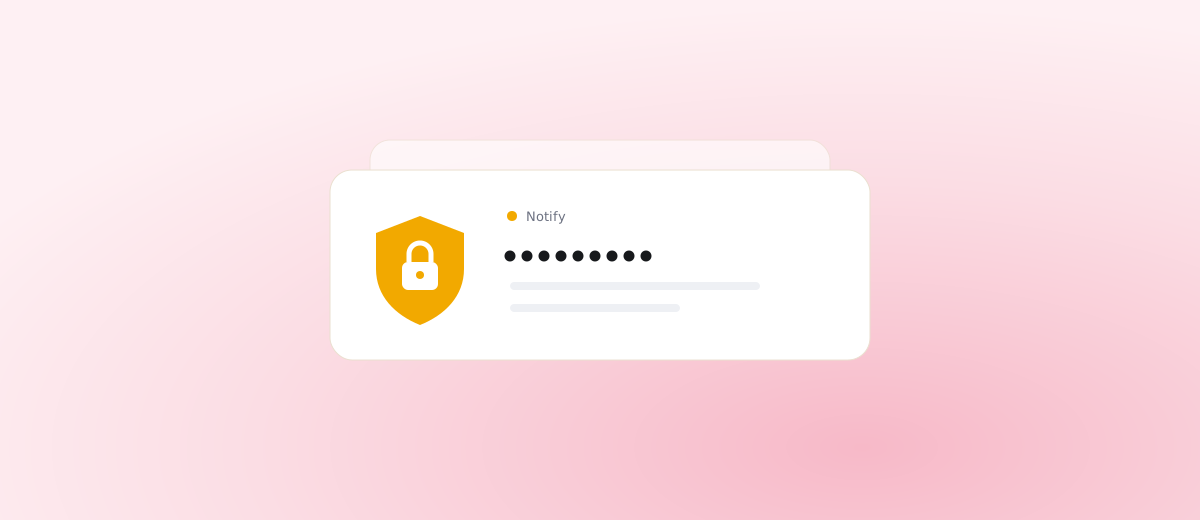

An order alert does not need the customer’s name, address or phone number. To pack the right parcel, the order number, total, item count, payment type and shipping type are enough. Everything else is personal data, and you should pass it on only when you have a reason to. This article is general information and not legal advice. If you are unsure how the rules apply to your shop, check with a lawyer or your data protection officer.
What personal data ends up in an order notification?
Your e-commerce platform sends an e-mail for every order, and it is usually complete: first and last name, delivery and billing address, phone number, e-mail, the customer’s note and often the list of items. Under GDPR that is a set of personal data, and every place it gets copied to is one more place you have to know about.
Most of those copies appear outside the shop. Someone forwards the order into the team chat so the warehouse can see it. A colleague pastes it into a spreadsheet that drives label printing. A third person keeps it in a private mailbox because it might come in handy. Each copy lives its own life, and nobody deletes it.
Why is forwarding full orders into chat or spreadsheets risky?
Chat tools and spreadsheets are built to make collaboration easy, and access to customer data inside them is rarely watched. Every member of a channel sees the message, including the part-timer or the external accountant you added a year ago. History is usually kept indefinitely, and search makes it available to anyone who types a customer’s name.
These tools also have their own providers, often outside the EU. Each one is another processor in your chain. When a customer asks for erasure, you have to know everywhere their data sits, and a chat history is a hard place to search.
Spreadsheets add a problem of their own: they get exported, downloaded to private laptops and e-mailed around. One copy quickly turns into ten.
What does data minimisation mean for order alerts?
GDPR asks you to process only the data you actually need for a given purpose. The purpose of an alert is simple: the team should learn that an order has arrived and what needs to be done with it. For that you need:
- the order number, so you can open it in the admin,
- the total and currency, so you can spot a large order,
- the item count, which hints at how much work it is,
- the payment type, so it is clear whether the order is paid or cash on delivery,
- the shipping type, which tells you how to route the parcel.
Anyone who needs a name or an address opens the order in the admin. There the data sits behind a login, roles and an access history, and nobody holds a second copy. For help deciding which events deserve an alert at all, see Order status changes worth an alert.
Who is the processor for order notifications?
You are the controller: you decide why and how customer data is processed. Anyone who processes it on your behalf is a processor. For notifications that is most often the add-on vendor, but also the provider of the chat tool, SMS gateway or e-mail service the message passes through.
With every processor you need a data processing agreement, and you should know where the data is stored and whether a further subprocessor handles it. Keep the list of processors in your records of processing activities so you can show it during an audit or when a customer asks.
How long should the data be kept, and how do you delete it?
The rule is simple: personal data is kept as long as there is a reason for it. Data on accounting documents has a legal retention period and belongs in the shop and the books. An alert in a chat has no such reason. Once the order is dealt with, the copy in the channel serves nobody.
So it makes sense to:
- set automatic deletion of old messages in the chat tool, or send only data without personal identifiers,
- avoid spreadsheets of orders outside the system where they can be managed,
- know how you would honour an erasure request, including in helper tools.
The easiest way is to prevent copies in the first place. What was never sent does not need deleting.
What should you ask an add-on vendor before installing it?
Before installing any add-on that reads orders, prepare your questions. The vendor should answer in writing, ideally in the privacy policy or the contract.
- Where is the data stored, and in which country is the hosting provider based?
- Which order fields does the add-on read, and which of them does it store?
- Are the customer’s name, e-mail, phone or address stored? If so, for how long?
- Do logs or error reports contain the order body?
- How are the access keys to your shop and to chat channels protected?
- Who are the other processors, and can you see them in a list?
- What happens to the data after uninstall, and by when will the vendor delete it?
- Can you request earlier deletion, and who do you write to?
- Will the vendor sign a data processing agreement?
If a vendor does not answer one of these clearly, that tells you something about how the data is handled.
How does Notify handle this?
Notify is built so that personal data stays out of alerts. From an order it reads the number, total and currency, item count, payment type, shipping type and status. It does not store the name, e-mail, phone, address or the items of an order. The customer’s name appears in a message only if you explicitly switch it on for a specific channel, and even then it is not stored.
Servers are in the EU, access keys are encrypted in the database, and shop data is deleted within 30 days after the add-on is uninstalled. The log of delivered messages is kept for 30 days and contains no personal data. How the channels differ is covered in Which channel for which event, and why e-mail falls short as an alert is explained in this article.
Frequently asked questions
Do I have to tell customers that their data goes into a chat?
If customers’ personal data is sent to another tool, your privacy policy should name the recipients or their categories. The simplest approach is to send only data without identifiers to the chat, and then the question does not arise. Check the exact obligations with a lawyer.
Is a customer’s phone number personal data in an SMS alert for the team too?
Yes. Any data that can identify or contact a customer is personal data, whatever message it appears in.
What if my chat already holds years of orders with names?
Decide whether you need to keep them. If not, delete them or set up automatic deletion. Going forward, change the alerts so they contain only the number, total and shipping type.
What happens to the data after I uninstall an add-on?
Ask the vendor beforehand. Notify deletes shop data within 30 days of uninstall. For other add-ons, ask for the period and scope of deletion in writing.
If you want order alerts without unnecessary personal data, have a look at Notify for Upgates. It sends your team the order number, total, payment and shipping type.